
Description
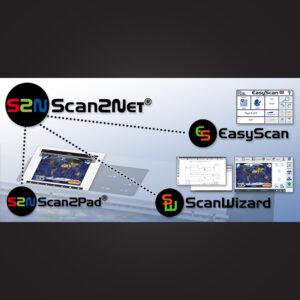
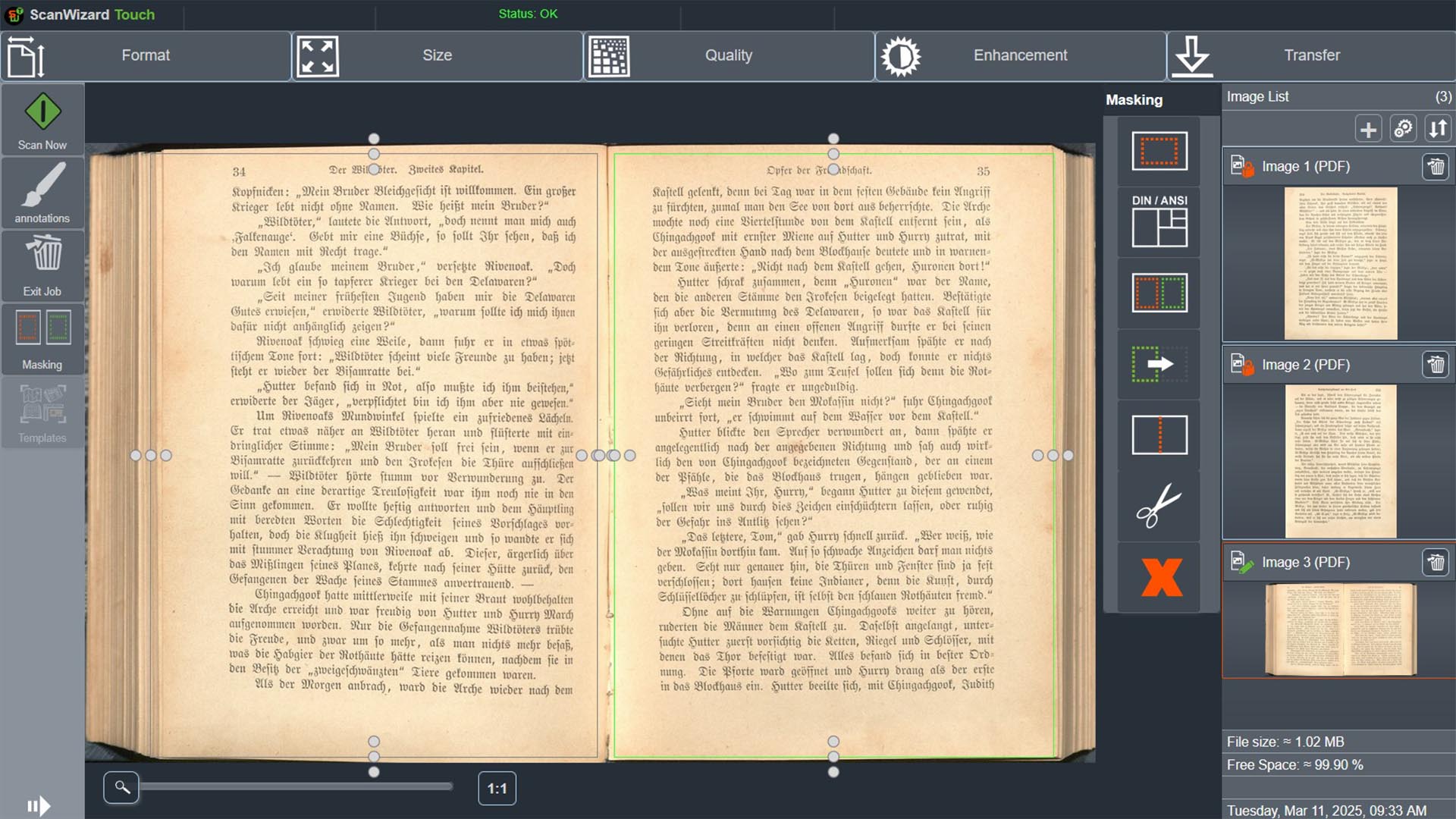
ScanWizard is designed to simplify scanning for both professional and occasional users. Its intuitive menu gives operators quick access to essential scan settings, including document size, output format, image orientation and colour mode.
The software supports scanning templates, allowing users to save predefined settings for common jobs. This helps improve workflow speed, maintain consistent results and reduce setup errors across repeated scanning tasks.
ScanWizard also includes a virtual rescan function, allowing users to modify settings such as greyscale conversion after scanning without physically rescanning the document. This helps save time and improves flexibility during production.
With support for single and batch scanning, multipage file creation, copy mode, watermarking and advanced image enhancement, ScanWizard is a practical software solution for libraries, archives, offices, government departments, universities and digitisation centres.
Key Features
- Built-in scanning software for Image Access scanners
- Simple menu for fast scan setup
- Select document size, file format, orientation and colour mode
- Scanning templates for repeat workflows
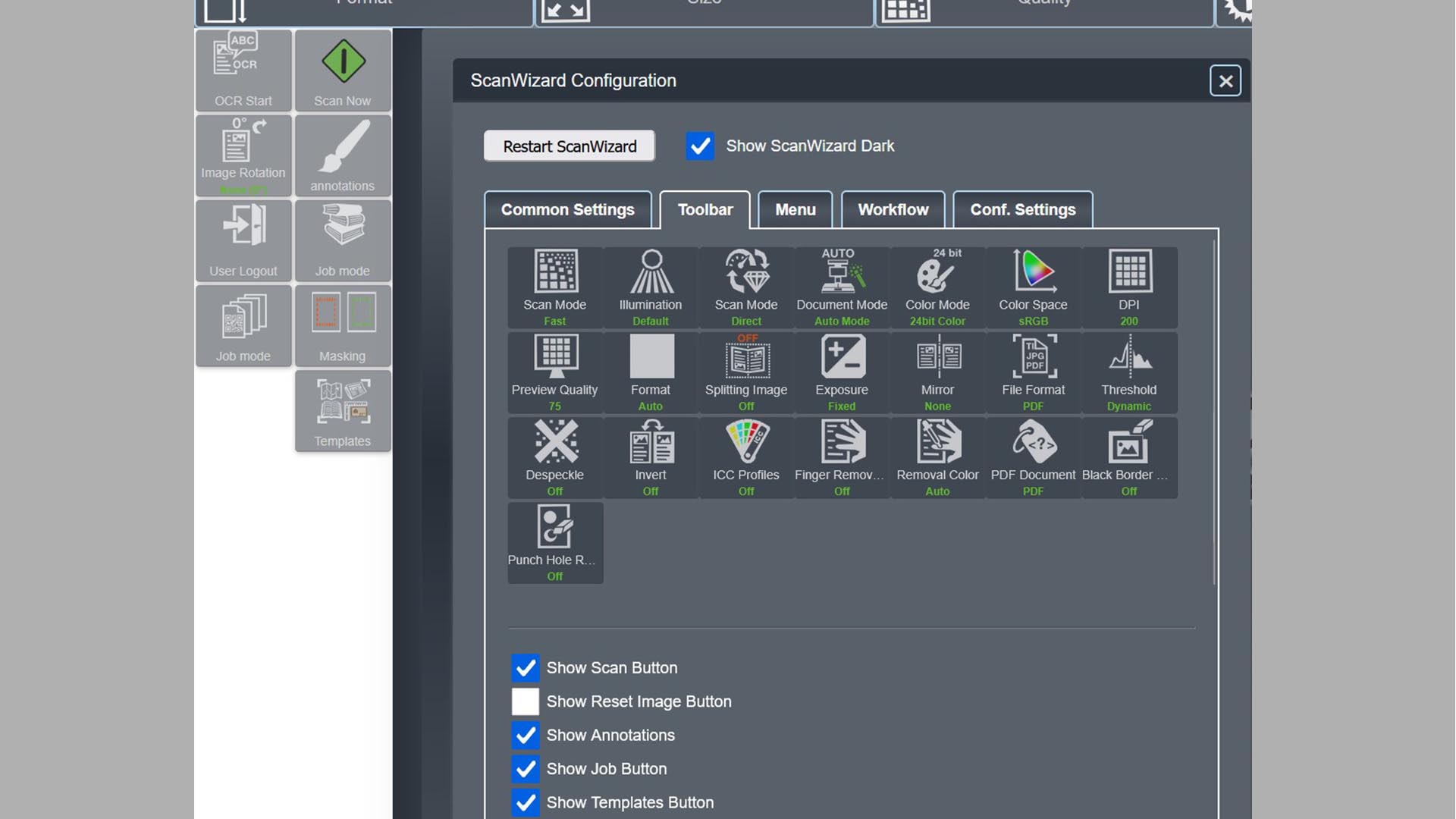
- Customisable interface with adjustable layouts and buttons
- Virtual rescan for changing settings without rescanning
- Supports 23 different languages
- Compatible with Windows, macOS and Linux
- Works from any modern web browser
- Supports single and batch scanning
- Creates single-page and multipage files
- Copy mode for sending scans to predefined targets
- Watermarking support for copyright protection
- Advanced image enhancement tools
- Finger, book fan, punch-hole and black border removal
- Multi Masking with up to 2 masks saved as separate images