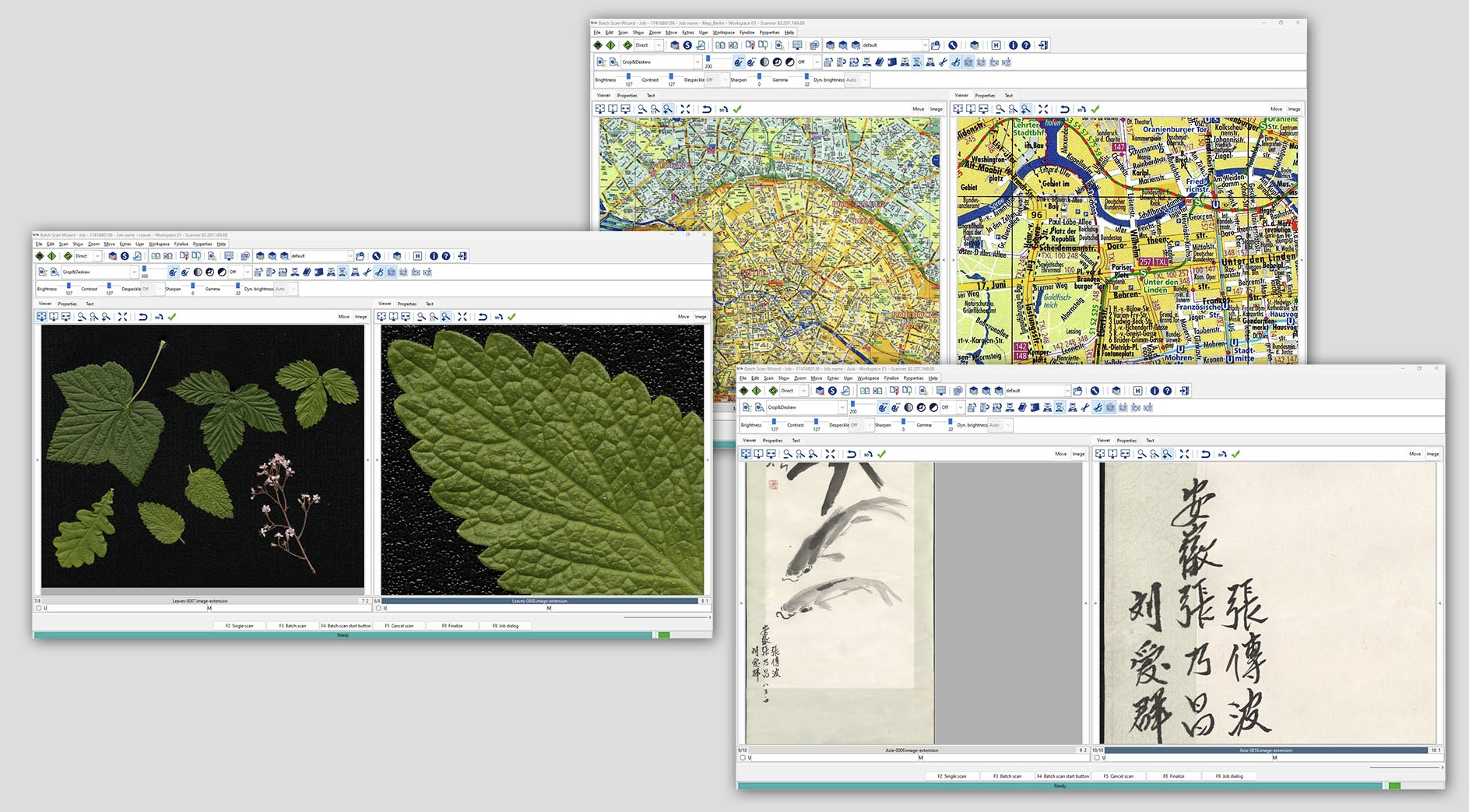
Description
Batch Scan Wizard is designed for organisations that need faster, more consistent and more controlled scanning workflows. It is suitable for libraries, archives, offices, government departments, universities and digitisation centres managing both large-volume and smaller specialist scanning jobs.
The software allows operators to create scan job templates that store key settings such as brightness, contrast, colour mode, file format, file naming, numbering, metadata and storage location. These templates can be reused to simplify recurring projects and reduce manual setup time.
Batch Scan Wizard also supports virtual rescanning, allowing users to adjust settings such as colour mode, format, rotation, mirroring and camera settings without rescanning the original document. This helps save time while keeping workflow flexibility.
With advanced features such as automatic multi masking, area extraction, image processing, metadata indexing and an export suite, Batch Scan Wizard provides a practical solution for improving data throughput and maintaining consistent output quality.
Key Features
- Client software for professional batch scanning workflows
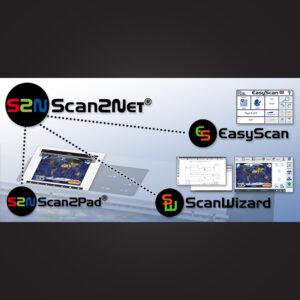
- Designed for Scan2Net scanners
- Supports high-volume scanning jobs
- Save and reuse scan job templates
- Adjust brightness, contrast, colour mode and file format
- File naming, numbering and storage location control
- Virtual rescanning without physically rescanning the document
- Area extraction for saving selected regions as separate images
- Automatic multi masking for targeted data extraction
- Image processing and post-processing during scanning
- Reload, edit and re-export scan jobs
- Metadata and indexing tools for improved organisation
- Export suite for converting images to multiple formats and resolutions
- Supports metadata standards, electronic endorsers and ICC profiles