">
">
Choosing the right scanner for your business is about more than comparing resolution and scanning speeds. The type of scanner you choose can have a major impact on productivity, document handling, image quality and the overall efficiency of your digitisation workflow.
Two of the most common options are document scanners and flatbed scanners. While both convert physical documents into digital files, they are designed for different applications.
A document scanner is generally designed for quickly processing multiple loose sheets, while a flatbed scanner is better suited to individual documents, photographs, artwork and other materials that need to be placed directly onto a scanning surface.
So, which one is right for you? Let’s compare the two.
What Is a Document Scanner?
A document scanner is designed to process loose sheets of paper efficiently. Most professional document scanners use an Automatic Document Feeder (ADF), allowing users to load a stack of documents and scan multiple pages without manually positioning every sheet.
This makes document scanners particularly useful for businesses and organisations that regularly digitise large volumes of paperwork.
Common applications include:
- Invoices and financial records
- Customer files
- Contracts and legal documents
- Forms and applications
- Government records
- Insurance documents
- Business archives
- Mailroom processing
For high-volume environments, scanning speed and paper-handling reliability are particularly important. Professional document scanners can also include features such as automatic image enhancement, double-feed detection and advanced paper separation.
InoTec’s SCAMAX document scanners, for example, are designed for demanding, high-volume scanning environments where throughput, reliability and document handling are important.
If your organisation regularly processes hundreds or thousands of pages, explore InoTec’s document scanner solutions to see how production scanning technology can support high-volume workflows.
What Is a Flatbed Scanner?
A flatbed scanner uses a different approach. Instead of feeding documents through the machine, the original is placed directly onto a flat glass scanning surface.
The scanner then captures the document from underneath the glass.
This makes flatbed scanners particularly useful when you need greater control over the positioning of an original or when the material cannot easily be fed through an automatic document feeder.
Flatbed scanners can be suitable for:
- Photographs
- Artwork
- Individual documents
- Maps and drawings
- Books and other bound materials
- Flat, specialised materials
- Documents requiring careful positioning
- Other materials suited to a flat scanning surface
Professional flatbed scanners can also provide high-resolution image capture for applications where detail and accuracy are important.
For larger materials, specialist flatbed and large-format scanners can provide a larger scanning area and greater flexibility than conventional office scanners.
The Key Difference: Volume and Workflow
The biggest difference between document and flatbed scanners comes down to how you work with your documents.
If you have a stack of hundreds of loose pages, a document scanner with an ADF can process them automatically. You can load the documents, start the scanning process and allow the scanner to work through the batch.
With a conventional flatbed scanner, each document generally needs to be positioned on the glass individually.
For occasional scanning, this may not be a problem. But if your business needs to digitise thousands of pages, manually positioning every document can quickly become time-consuming.
Choose a document scanner when:
- You scan large volumes of paperwork
- You need fast batch scanning
- Your documents are primarily loose sheets
- You want automated feeding
- Scanning is part of your daily workflow
- Productivity is a major priority
Choose a flatbed scanner when:
- You scan individual documents
- You need to scan photographs or artwork
- Originals need careful positioning
- You work with flat or specialised materials that require careful positioning
- You primarily scan individual items rather than large batches
What About Image Quality?
Image quality is important regardless of which scanner you choose.
However, it is a mistake to judge scanning quality based only on the scanner’s DPI specification. Resolution is just one part of the overall image-quality equation.
Other factors include colour accuracy, sharpness, exposure, detail reproduction, image consistency and image-processing technology.
For businesses digitising important documents, consistent image quality can also improve OCR performance and make digital files easier to read, search and archive.
If image quality is an important consideration for your organisation, InoTec’s guide on how image quality is measured in document scanning provides further information about the factors that influence the quality of a scanned image.
Document Scanner vs Flatbed Scanner for Books
Books and bound documents present a different challenge.
A conventional document scanner is designed primarily for loose sheets, so feeding a bound book through an automatic document feeder is generally not appropriate.
A flatbed scanner can be used for some book-scanning applications, but it may still require the book to be opened and positioned manually page by page.
For libraries, universities, archives and organisations working with rare or fragile books, a dedicated overhead book scanner can be a better solution.
InoTec offers A3 scanning solutions from Zeutschel for applications including books, archives and delicate originals, using non-contact overhead scanning technology. Non-contact overhead scanning can help capture valuable materials without requiring them to pass through a conventional paper-feeding mechanism.
For specialist digitisation projects, InoTec’s book scanner solutions are also worth considering.
What If You Need to Scan Large Documents?
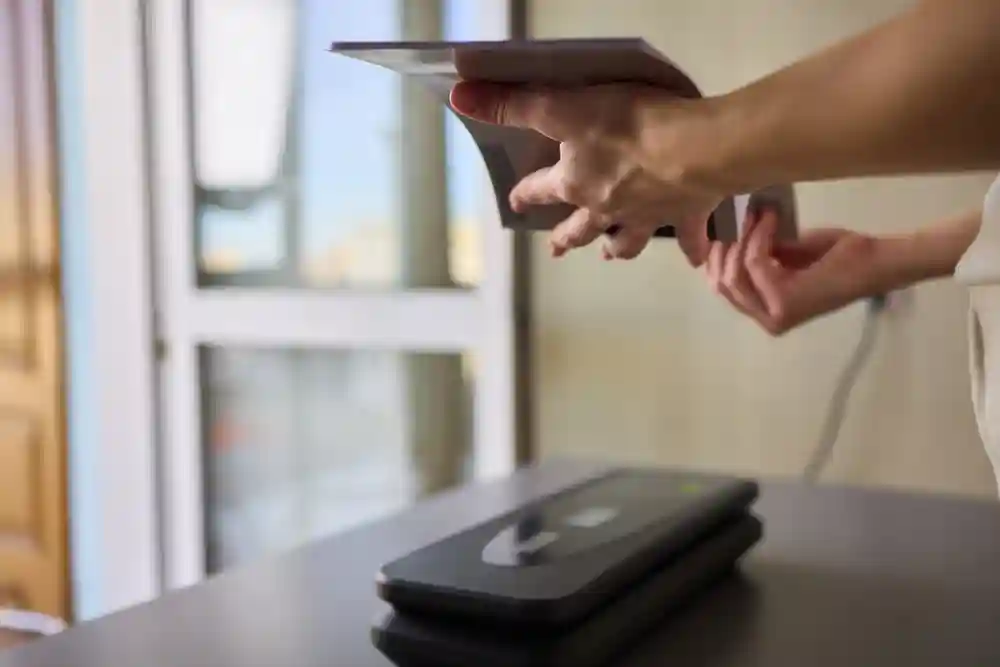
Standard office scanners are generally designed around common paper sizes such as A4.
However, many businesses work with documents that are considerably larger.
Architectural firms may need to scan building plans. Engineering companies may work with technical drawings. Government organisations and archives may need to digitise maps, posters and oversized records.
In these situations, a dedicated large-format scanner is often the more appropriate solution.
InoTec provides large-format scanning solutions for oversized documents, including WideTEK flatbed systems designed for applications such as maps, engineering drawings, posters and architectural plans.
This is an important consideration when selecting scanning equipment: don’t just think about the number of pages you scan. Think about the size and physical characteristics of the documents as well.
Which Scanner Is More Suitable for Your Business?
The right choice ultimately depends on your workflow.
| Your requirement | Recommended solution |
| High-volume paperwork | Document scanner |
| Hundreds or thousands of loose pages | Production document scanner |
| Occasional individual documents | Flatbed scanner |
| Photographs and artwork | Flatbed/photo scanner |
| Books and bound documents | Overhead book scanner |
| Fragile archival material | Non-contact scanner |
| Architectural plans and maps | Large-format scanner |
| Enterprise document processing | Production scanning system |
For some organisations, there may not even be a need to choose just one.
A business could use a high-speed document scanner for everyday paperwork while using a flatbed, overhead or large-format scanner for specialised materials.
This approach allows each type of document to be processed using the technology best suited to it.
Don’t Choose Based on Speed Alone
It can be tempting to simply choose the scanner with the highest pages-per-minute rating. However, scanning speed should always be considered in the context of your actual requirements.
For example, a small office that scans a few documents each week may gain little benefit from investing in a high-speed production scanner.
On the other hand, a document-processing centre scanning thousands of pages every day could lose significant productivity by relying on a low-volume device.
You should also consider:
- Expected daily scanning volume
- Document sizes
- Document condition
- Required image quality
- Automatic feeding capabilities
- Double-feed detection
- Software compatibility
- OCR requirements
- Maintenance and support
- Long-term operating costs
The best scanner is the one that fits your workflow, not necessarily the one with the longest list of specifications.
Why Choose InoTec?
Selecting professional scanning equipment can be challenging when different applications require different technologies.
InoTec provides professional scanning solutions across a wide range of applications, including high-volume document scanning, A3 scanning, book digitisation, photo scanning and large-format scanning.
Its portfolio includes established scanning technologies from SCAMAX, Zeutschel and WideTEK, allowing organisations to choose equipment based on their specific document and workflow requirements.
For high-volume loose documents, SCAMAX production scanners are designed to deliver fast and reliable document processing. For books and archival materials, Zeutschel solutions provide specialist overhead scanning capabilities. WideTEK solutions address flatbed and large-format scanning requirements.
You can explore InoTec’s Brands & Products to see the range of professional scanning technologies available.
Final Verdict
So, document scanner vs flatbed scanner, which one is right for you?
If your priority is speed, automation and high-volume processing of loose documents, a professional document scanner is likely to be the better choice.
If you primarily scan individual documents, photographs, artwork or materials that require careful positioning, a flatbed scanner may be more suitable.
For books and fragile originals, an overhead book scanner can provide a more appropriate solution, while oversized documents such as maps and architectural plans may require a large-format scanner.
The key is to look beyond the scanner itself and consider your documents, volume, workflow and long-term digitisation requirements.
InoTec offers a comprehensive range of professional scanning solutions, from high-speed SCAMAX document scanners to Zeutschel book and A3 scanners and WideTEK flatbed and large-format systems. With the right technology, your organisation can make document digitisation faster, more efficient and better suited to the materials you need to preserve and manage.